Safe Database Migrations in Production
Safe database migrations in production are not just ALTER TABLE statements. The hard part is keeping the application correct while old code, new code, old schema, new schema, and partially migrated rows all exist at the same time.
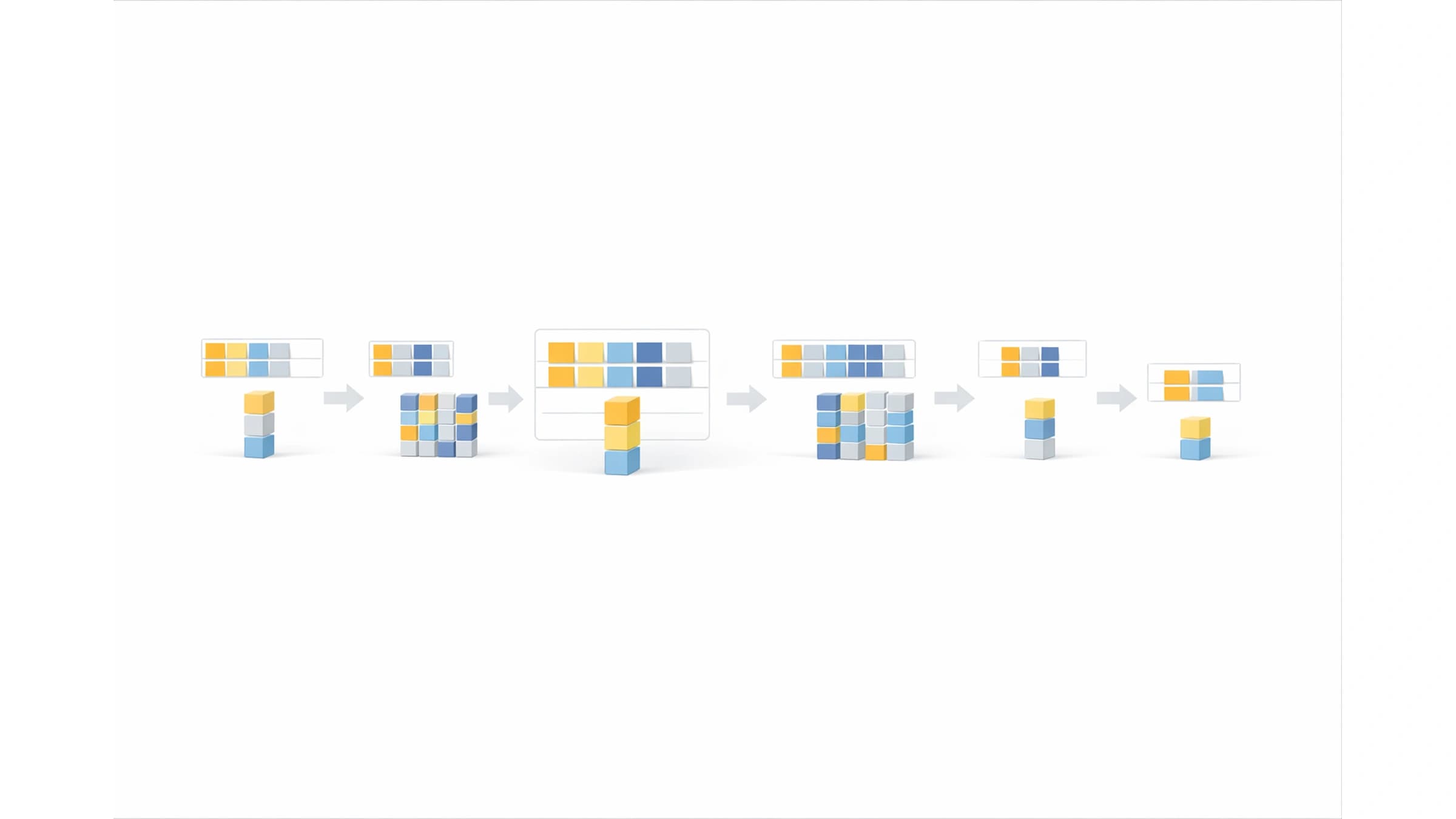
That is why the safest migration plan usually looks less like a single SQL file and more like a compatibility rollout. You expand the schema first, teach the application to survive both shapes, move data gradually, switch reads deliberately, and remove the old path only after it is no longer used.
This article uses PostgreSQL-shaped examples because the details are concrete, but the rollout model applies to most relational systems. The exact DDL syntax, locking behavior, online index support, and constraint validation rules depend on the database you run.
For the broader cluster around SQL performance, replicas, isolation, locking, and data correctness, see the SQL And Data Correctness hub. For the delivery path that connects release validation, compatibility, rollout controls, and schema change, see Testing And Software Delivery.
The Safe Database Migration Workflow
The default production workflow is expand, backfill, switch, contract.
| Phase | What changes | What must remain true |
|---|---|---|
| Expand | Add new columns, tables, indexes, or nullable constraints | The old application version still works |
| Compatibility | Deploy code that can read or write both shapes | Old and new instances can run together |
| Backfill | Move historical data in batches | Request traffic stays healthy and the job can resume |
| Switch | Make the new path authoritative | Fallback behavior is understood and monitored |
| Contract | Remove old columns, old writes, and old code paths | No live reader or writer depends on the old shape |
The important detail is sequence. Removing old schema is not the migration. It is the final cleanup after the system has already proven it can live in the new shape.
This matters because production rarely changes state all at once. Web instances roll gradually, workers may deploy later, scheduled jobs can still use old assumptions, and queues may contain messages created by the previous version. If the migration touches an API contract too, the same compatibility problem appears at the client boundary. That overlap is the database version of the problem covered in API Versioning Without Breaking Clients.
Why One-Step Migrations Break
A one-step migration usually assumes this timeline:
- run the schema change
- deploy the code that expects the schema change
- everything starts using the new shape
That can work on small internal tools. It becomes risky when the table is hot, the deploy is gradual, the backfill is large, or other services read the same database.
The dangerous cases are usually ordinary changes:
| Change | Why it looks simple | Where it breaks |
|---|---|---|
| Rename a column | The new name is clearer | Old code still selects the old column |
| Add a non-null column | Every future row should have it | Historical rows are not valid yet |
Change status TEXT to status_code INT | The new representation is cleaner | Readers and writers disagree during rollout |
| Add an index | The query is slow without it | Index creation competes with live writes |
| Split one table into two | The model is better normalized | Dual writes, consistency checks, and rollback become application concerns |
The failure is often not caused by exotic database behavior. It is caused by assuming that deployment, data movement, and rollback are one atomic event.
They are not.
Example: Rename A Column Without A Flag Day
Suppose users.name needs to become users.full_name.
The unsafe migration is:
ALTER TABLE users RENAME COLUMN name TO full_name;
Then deploy code that reads full_name.
That can break if an old instance is still running, a background worker deploys later, a script still reads name, or rollback sends the application back to code that expects the previous column.
A safer migration uses two columns for a short compatibility period.
Step 1: Expand the schema
ALTER TABLE users ADD COLUMN full_name TEXT;
The column is nullable at first. That matters because historical rows do not have a value yet. The old application can still read and write name.
Step 2: Dual write from the application
await db.user.update({
  where: { id: userId },
  data: {
    name: input.fullName,
    fullName: input.fullName,
  },
})
This is temporary compatibility code. It should be easy to find later, usually behind a clearly named helper or migration flag.
Step 3: Read with fallback
function displayName(user: UserRow) {
  return user.fullName ?? user.name
}
Fallback makes partially migrated rows safe. It also gives you a signal to measure: if fallback reads are still happening, the old shape is not gone.
Step 4: Backfill old rows
UPDATE users
SET full_name = name
WHERE full_name IS NULL;
That single statement is fine for a tiny table. For a large production table, use a batched and resumable job instead of one unbounded update.
Step 5: Switch reads
Once new writes populate full_name and the backfill has covered old rows, move reads to full_name as the primary field. Keep fallback for one deploy if rollback risk is still meaningful.
Step 6: Stop old writes and contract
After old code is gone and fallback reads stay at zero, stop writing name. Only then remove the old column.
ALTER TABLE users DROP COLUMN name;
The column drop is the least interesting part. The useful work is proving that nobody needs the column anymore.
Make Backfills Resumable
Backfills are where many safe-looking migrations become production incidents.
A backfill competes with normal traffic. It can increase write load, hold row locks, generate WAL or replication pressure, change cache behavior, and make replicas fall behind. If it is written as a one-off script, it may also be hard to stop safely when production metrics get worse.
For important tables, treat the backfill as a small production job with:
- a stable batch boundary
- a checkpoint
- a throttle
- idempotent updates
- progress metrics
- a pause condition
Here is a simplified PostgreSQL-shaped batch for backfilling users.full_name.
WITH batch AS (
  SELECT id
  FROM users
  WHERE full_name IS NULL
  ORDER BY id
  LIMIT 1000
)
UPDATE users
SET full_name = users.name
FROM batch
WHERE users.id = batch.id;
The application job around this query should record how many rows were updated, sleep between batches, and stop cleanly if lock waits, replication lag, or request latency cross the agreed threshold.
A checkpoint table can make the process easier to observe:
CREATE TABLE migration_backfill_progress (
  migration_name TEXT PRIMARY KEY,
  last_seen_id BIGINT NOT NULL,
  updated_at TIMESTAMPTZ NOT NULL DEFAULT now()
);
Then the job can move through the table predictably:
SELECT last_seen_id
FROM migration_backfill_progress
WHERE migration_name = 'users_full_name';
You still need to handle late writes, gaps, retries, and rows inserted while the job is running. That is why dual writes and fallback reads matter. The backfill is not the only source of truth during the rollout.
If the migration affects API behavior, integration tests should cover the old-row, new-row, and partially migrated states. That same testing boundary appears in How to Write API Integration Tests, and the CI workflow for migration-specific fixtures is covered in Database Migration Testing in CI.
Add Constraints After The Data Is Ready
Non-null and check constraints are useful because they move correctness into the database. They become risky when the constraint is enforced before historical data is valid.
For example, adding full_name TEXT NOT NULL directly to a table with existing users can fail immediately or force a heavy validation path, depending on the database and exact command. The safer sequence is:
- add the column as nullable
- deploy compatibility code
- backfill historical rows
- verify no invalid rows remain
- add or validate the constraint
In PostgreSQL, one common pattern for large tables is to add a check constraint as NOT VALID, fix or backfill rows, then validate it later. Use the official PostgreSQL ALTER TABLE documentation for exact lock levels and supported forms in your version.
ALTER TABLE users
  ADD CONSTRAINT users_full_name_present
  CHECK (full_name IS NOT NULL) NOT VALID;

ALTER TABLE users
  VALIDATE CONSTRAINT users_full_name_present;
After validation, you can decide whether to keep the check constraint or convert the column to NOT NULL in a later maintenance step. The right choice depends on database version, table size, lock tolerance, and operational practice.
The important rule is not "always use this exact SQL." The rule is: do not enforce a new invariant until the existing data, new writes, and rollback plan can tolerate it.
Create Indexes As Production Changes
Indexes often appear in migration plans because a new read path needs a different access pattern. That does not make them harmless.
An index can be the difference between a safe read switch and a slow-query incident. It can also add write overhead, consume IO, and interact badly with a hot table. This is why migration work overlaps with the query-plan work in How to Find and Fix Slow SQL Queries in Production and Why Database Indexes Didn't Fix Your Slow Query.
For PostgreSQL, CREATE INDEX CONCURRENTLY is often used for production index creation because it avoids blocking normal writes, with important trade-offs and caveats. The PostgreSQL CREATE INDEX documentation is the source to check for your exact version.
CREATE INDEX CONCURRENTLY users_full_name_idx
  ON users (full_name);
Do not treat CONCURRENTLY as free. It can take longer, consume extra resources, wait on old transactions, and leave cleanup work if it fails. It also has transaction-block restrictions in PostgreSQL.
Before adding a production index, decide:
| Question | Why it matters |
|---|---|
| Which query should use it? | Prevents speculative indexes that only add write cost |
| Is the query already visible in production metrics? | Confirms the index solves a real problem |
| Can it be built online for this database? | Determines lock and deploy risk |
| What happens if creation fails halfway? | Avoids invalid or partial cleanup surprises |
| Will writes become slower after the index exists? | Prevents moving the bottleneck from reads to writes |
The migration is not done when the index exists. It is done when the intended query uses it and production metrics still look healthy.
Plan Rollback Before The Migration Starts
Rollback for database migrations is not the same as rollback for application code.
Code can usually move backward. Data often cannot, at least not cleanly. Rows may have been backfilled, new columns may contain writes that old code never knew about, and new constraints may reject states the old application produced.
That is why safe migrations separate rollback into cases.
| Situation | Safer response |
|---|---|
| New code has a bug, but the schema was only expanded | Roll back code while keeping the expanded schema |
| Backfill is causing load | Pause the job and leave compatibility code active |
| Read switch causes errors | Switch reads back to fallback path |
| New writes are corrupting new data | Stop new writes, keep old writes, repair the new path |
| Contract step removed old schema too early | Restore compatibility from backup or emergency migration, then review the rollout gate |
The best rollback is usually not "undo every SQL statement." It is "keep the expanded schema and return traffic to the last compatible behavior."
This is why contraction should wait. Once you drop the old column, delete fallback logic, or remove the old table, rollback becomes much more expensive. For a deeper rollback runbook, see Database Migration Rollback Strategy in Production.
Watch The Migration Like A Production Release
A production migration should have the same operational shape as any risky release. Someone should know which metrics matter, what "pause" means, and who can make the decision.
Useful signals include:
| Signal | What it tells you | Pause when |
|---|---|---|
| Application error rate | Whether the new path is breaking requests | Errors rise on affected endpoints |
| p95 and p99 latency | Whether traffic is slowing before it fails | Latency crosses the rollout threshold |
| Database CPU and IO | Whether backfill or index work is competing with traffic | Resource saturation is sustained |
| Lock waits | Whether DDL or backfill is blocking normal work | Waits appear on hot tables |
| Replication lag | Whether replicas can keep up | Lag threatens read freshness or failover |
| Backfill progress | Whether the job is moving predictably | Progress stalls or retry rate spikes |
| Fallback-read count | Whether old or partial data still exists | Fallback stays non-zero after expected completion |
The exact lock details are database-specific. For PostgreSQL, start with the explicit locking documentation and the docs for the specific command you plan to run.
"We will watch it" is too vague. A useful migration plan says what to watch and what action follows when the signal changes.
Test Mixed-State Data, Not Just The Final State
Migration tests often prove the final schema works. That is not enough.
Production spends meaningful time in intermediate states. A safer test plan includes:
- old code running after schema expansion
- new code reading rows that have not been backfilled
- new code reading rows that have been backfilled
- dual writes creating consistent old and new values
- the backfill job stopping halfway and resuming
- the read switch returning to fallback after an error
- workers, scheduled jobs, scripts, and secondary services using the same compatibility rules
Concurrency can matter too. If live writes, reads, and backfills overlap, transaction visibility and isolation level assumptions may affect what the application sees. That side of the problem is covered in SQL Isolation Levels Explained.
The goal is not to simulate all production complexity. The goal is to test the states the rollout intentionally creates.
Common Migration Mistakes
The same mistakes appear in many failed database rollouts.
Removing Old Schema In The First Deploy
Dropping or renaming the old column first turns a compatibility rollout into a flag day. If any old process still runs, it fails immediately.
Enforcing Constraints Before History Is Valid
The future invariant may be correct, but historical rows still need time to catch up. Add the rule after the data path can satisfy it.
Running A Backfill Without A Pause Button
If the only way to stop the backfill is to kill a process and hope it can resume, the migration is not production-shaped yet.
Forgetting Non-Web Writers
Workers, cron jobs, data repair scripts, admin tools, imports, and other services often keep old assumptions alive longer than web handlers.
Treating Staging As Proof Of Safety
Staging usually has smaller tables, fewer concurrent writes, less replication pressure, and cleaner data. It can prove syntax and basic behavior. It rarely proves production load behavior.
Contracting Before The Metrics Are Quiet
If fallback reads still happen, old writes still appear, or backfill has not finished, the old path is still live. Deleting it is not cleanup. It is a new risk.
Practical Rollout Checklist
Before shipping:
- identify every reader and writer, including workers and scripts
- confirm the schema expansion is backward-compatible
- decide whether the migration needs dual writes, read fallback, or both
- design the backfill as a resumable job with a pause condition
- define the metrics that will stop the rollout
- verify the cover index or query plan needed by the new read path
- write tests for mixed-state rows
- decide what rollback means for each phase
During rollout:
- expand the schema first
- deploy compatibility code
- measure new writes and fallback reads
- run the backfill in batches
- switch reads only after data is ready
- keep fallback long enough to survive rollback
- stop old writes
- contract only after old usage is zero
After rollout:
- remove temporary compatibility code
- remove migration flags and unused helpers
- delete old columns, indexes, or tables in a separate cleanup
- keep the migration notes somewhere future reviewers can find
- update dashboards or alerts that referenced the old shape
The Short Version
Safe database migrations in production work because they accept mixed reality.
Old code and new code can overlap. Old rows and new rows can overlap. Backfills can pause. Rollbacks can happen after data has changed.
The expand-and-contract pattern is useful because it turns that overlap into an intentional rollout instead of an accident. Add before switching. Switch before removing. Measure before declaring the migration done.